
Organization profile
Your organization profile is the source-of-truth for "who is this nonprofit." It feeds your public site, emails, tax receipts, grant applications, and IRS filings.
Where it lives now. The organisation profile fields (legal name, EIN, NTEE codes, address, social links) moved into Site Settings → Organisation on 2026-05-14. Header / footer logos and trust badges that used to live on this page were moved to Site Settings → Appearance so all brand visuals live together.
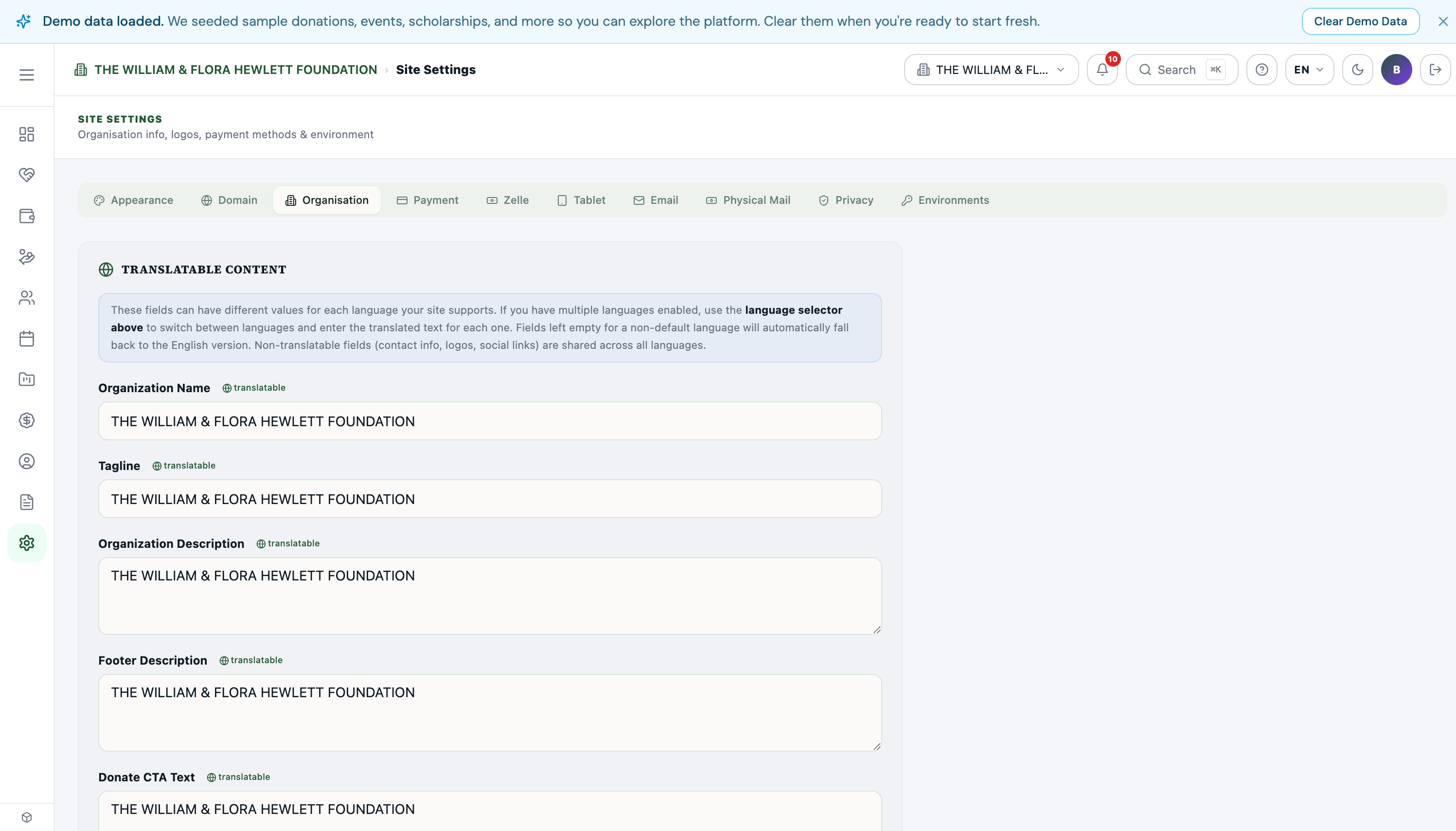
What you set here
- Legal name + display name (often the same, but a fiscally-sponsored org might have different).
- EIN — your IRS Employer Identification Number.
- Mission statement.
- Year founded.
- Address — physical + mailing if different.
- Phone, primary email.
- NTEE code — IRS classification.
- 501(c)(3) status — verified by EIN lookup.
- Logo, brand colors.
- Voice — tone for AI-drafted content.
Organization vs. tenant
In multi-site setups, you may have several tenants under one Organization. The Organization profile shows:
- All sites in your org.
- All members across the org (one team list, not per tenant).
- Cross-tenant collaboration tools.
You'd typically see this when:
- A parent nonprofit has fiscally-sponsored projects.
- A national org has regional chapters.
- An umbrella holds multiple program-specific tenants.
Members of the organization
The members table lists everyone in your org with their:
- Name + email.
- Role — OWNER, ADMIN, MEMBER (per Koolay's permission tiers).
- Home site — which tenant is their primary.
OWNERs can invite others, change roles, and delete the org. ADMINs can manage day-to-day. MEMBERs have viewer or per-panel permissions.
Inviting cross-site members
Click Invite another site into this organization to merge two existing tenants into a shared org. Useful for "we created two separate Koolay accounts and now want to merge them." Requires platform approval.
Cross-site collaboration
Once two tenants are in one org, you can:
- Create a project that lives at the org level (visible from both tenants).
- Share a unified team roster (invite once, access everywhere).
- Generate aggregated reports.
Leaving an organization
A site can leave its org from this same panel — Leave organization. Data stays with the tenant; only the cross-tenant linkage is severed. Requires confirmation.
Common patterns
- Use one org for one nonprofit — even if you have multiple sites/tenants.
- Don't share orgs across nonprofits — each legal entity should have its own org.
- Invite the executive director as OWNER — even if they don't use the platform daily, they should have ultimate access.